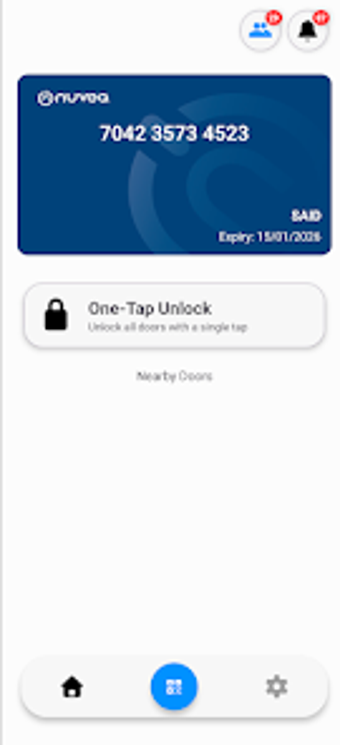
Nuveq Mobile Access: Smartphone BLE and NFC Entry Control
Nuveq Mobile Access, by NUVEQ Mobile App, converts smartphones into digital credentials for controlled facility entry. The app grants touchless entry using proximity and wave-to-unlock interaction while running in the background for hands-free operation. Key technical safeguards mentioned include AES-256 encryption, random code hopping, and cloud-based credential issuance and revocation. It targets facility managers, IT administrators, and employees in commercial real estate, healthcare, and industrial sites seeking to replace physical cards.
What is Nuveq used for?
Nuveq targets the operational problem of issuing and managing physical access cards across multiple sites, replacing badges and fobs with mobile credentials tied to individual users. In workplace terms, it acts as a digital key that staff and visitors carry on their phones, helping facility teams reduce the logistical overhead of printing and tracking physical media while centralizing access records and user identities.
What can you do with the app in workplace entry workflows?
The app supports common entry flows that fit daily use: proximity-based detection for hands-free access, a wave-to-unlock gesture at readers, and background operation so users do not need the interface open. Practical steps include
- holding a phone near a reader for immediate entry
- allowing background detection for pocketed phones
- using a single credential across multiple doors or sites configured by administrators
Is it manageable for administrators and non-technical staff?
Administration is cloud-centric, so managers can issue and revoke credentials in real time and assign access across locations. The system uses unique user identifiers to avoid duplicate credentials, and administrators can revoke access for lost devices through the management portal. These controls place configuration and incident response with IT or facility teams rather than end users.
How reliable is hands-free operation at scale?
Hands-free performance depends on local hardware and device behavior: the platform supports deployments from single doors to global rollouts, but readers and phones must meet BLE or NFC requirements. Mobile OS power-saving features can affect wake and response time, so some sites see faster unlocks when the screen is active. The cloud architecture supports multi-site credential distribution and centralized oversight for larger installations.
Who benefits and where it may add friction
Nuveq is a practical option for facility managers and IT teams who need to move away from card inventory toward a managed mobile credential program; adopting it requires operational changes to access procedures and delegated administrative oversight. Smaller operations without a dedicated administrator may encounter an implementation overhead. For organizations ready to assign credential governance, Nuveq suits multi-site access management and controlled entry rollouts.